
 Reviews
// 001
Rise of Kingdoms on PC: Is It Worth Playing in 2026?
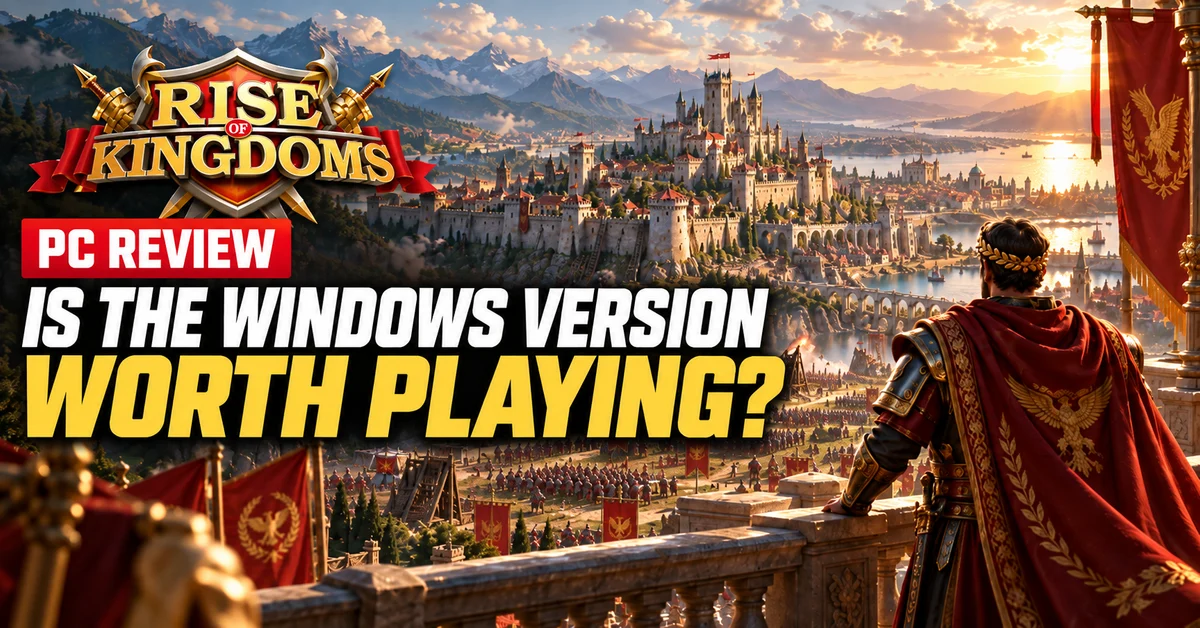
Lilith's real-time strategy game now has an official Windows client. Here's what changes when 15 civilizations, real-time kingdom wars and alliance politics get a full-size screen.
RTX 50 series laptops now stretch from around $1,000 to well past $4,000. Here are the machines worth buying at every budget, and the one spec sheet number that matters more than the GPU's name.
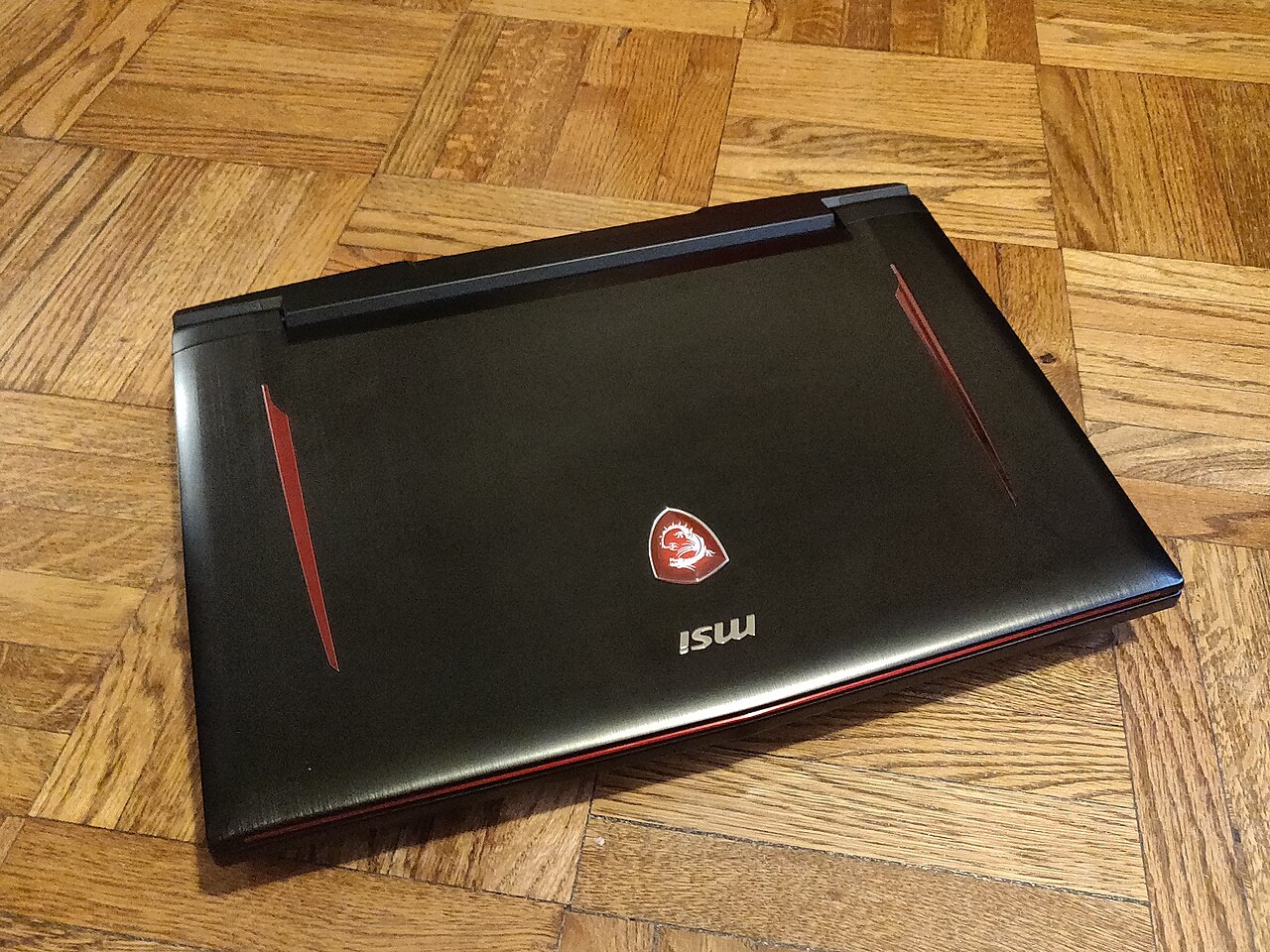
This guide is for anyone who needs their gaming machine to move: students, people in small apartments, anyone splitting time between two places. In 2026 the gaming laptop market runs almost entirely on NVIDIA's RTX 50 series mobile chips, from the entry RTX 5060 up to the RTX 5090, and the price ladder now stretches from around $1,000 to past $4,500. The good news is that every rung of that ladder has at least one genuinely good machine on it. The bad news is that two laptops with the same GPU name can perform very differently, and the spec sheets rarely make that obvious. We will get to that.
Around $800 to $1,100: Acer Nitro V. Acer's Nitro V line with an RTX 5060 and a current Intel Core 7 or Ryzen chip starts at around $800 to $1,000 depending on config and sales. It is plastic, the speakers are forgettable, and the screen is merely fine, but it runs Fortnite, Valorant, Helldivers 2, and Marvel Rivals at 1080p high settings without complaint. For a first gaming laptop or a dorm machine, it is the value floor of the whole market.
Around $1,200 to $1,400: ASUS TUF Gaming A16 or Lenovo Legion 5. This is the sweet spot for most buyers. The TUF A16 pairs an RTX 5060 with a Ryzen 7 chip, 16 GB of DDR5, and a 16-inch 165 Hz display for around $1,200, in a chassis built to take a beating. Lenovo's Legion 5 with the same GPU runs around $1,300 and counters with better thermals and one of the best keyboards in the class. If you can stretch slightly, the MSI Katana 15 HX puts an RTX 5070 at a full 100W into a 1440p 165 Hz panel starting at around $1,300, which is remarkable GPU-per-dollar.
Around $1,500 to $2,200: bigger screens, real 1440p power. The ASUS TUF Gaming 18 with an RTX 5070 at around $1,500 and Gigabyte's Gaming A16 at around $1,400 both deliver proper 1440p gaming in large chassis. Spend toward $2,000 and Lenovo's Legion Pro 5 and the ASUS ROG Strix G16 add RTX 5070 Ti class graphics, better panels, and cooling that holds boost clocks instead of just advertising them.
$2,700 and up: the flagships. The Lenovo Legion Pro 7i Gen 10 with an RTX 5080 is the strongest value among the high-end machines, with a superb OLED screen and a metal chassis, and reviewers consistently rank it at or near the top of the class. The ASUS ROG Strix Scar 18 starts at around $2,700 with an RTX 5080 and tops out at around $4,500 with an RTX 5090 for desktop-replacement performance. The Razer Blade 16 remains the premium portable, an OLED-equipped machine that runs to around $4,500 with an RTX 5090; you pay heavily for the thinness, and you know whether you are that customer.
Here is the thing laptop makers hope you never learn: the same GPU name can mean wildly different performance depending on wattage. An RTX 5070 fed 80W in a thin chassis can trail an RTX 5070 fed 115W in a thicker one by a large margin in real games, sometimes enough to erase the gap to the tier below. This number is called TGP, total graphics power, and it is buried in the fine print when it is listed at all.
Before buying any gaming laptop, find the TGP for the exact model, not just the GPU name. Reviews and manufacturer spec pages usually have it. As a rule of thumb, a high-wattage version of a cheaper GPU often beats a starved version of a more expensive one, which is exactly why the 100W RTX 5070 in the affordable MSI Katana 15 HX is such a good deal.
Beyond wattage, prioritize in this order: GPU tier, then screen (a 165 Hz or faster panel at 1600p or 1440p is the current sweet spot), then RAM (16 GB minimum, 32 GB if you can), then CPU. Almost no game is CPU-limited on a modern laptop chip before it is GPU-limited.
8 GB of VRAM at premium prices. The RTX 5060 mobile ships with 8 GB, which is acceptable at around $1,100 and 1080p. It is not acceptable on a $1,600 laptop with a 1440p screen, where some current games will already force you to drop texture settings. If you are spending past $1,500, get an RTX 5070 Ti class GPU or better with more memory.
Soldered RAM. Many thin models solder memory to the board permanently. If the configurator offers 16 GB soldered with no upgrade slot, either buy 32 GB up front or pick a different laptop. Legion and TUF models generally keep accessible slots; check the specific SKU.
Battery life fantasies. No gaming laptop games well on battery. Modern machines with hybrid graphics modes handle web browsing and video respectably, and that is the honest ceiling. Plan around the charger.
Last year's stock at this year's prices. RTX 4060 laptops still sit on shelves near RTX 5060 pricing. A deep-discounted 40 series machine at around $700 can be a fine buy. At a $100 gap to current gen, it is not.
Most people should buy the ASUS TUF Gaming A16 or a Lenovo Legion 5 with an RTX 5060 at around $1,200 to $1,300, or stretch to the MSI Katana 15 HX for its 100W RTX 5070 at around $1,300. Tight budget, get the Acer Nitro V and enjoy it. If money is genuinely no object, the Legion Pro 7i with an RTX 5080 is the flagship that makes the most sense, and the Blade 16 exists for people who want the nicest object in the room. Whatever you pick, check the TGP first. It is the difference between buying a GPU and buying a name.
ReviewsLilith's real-time strategy game now has an official Windows client. Here's what changes when 15 civilizations, real-time kingdom wars and alliance politics get a full-size screen.
 Setup
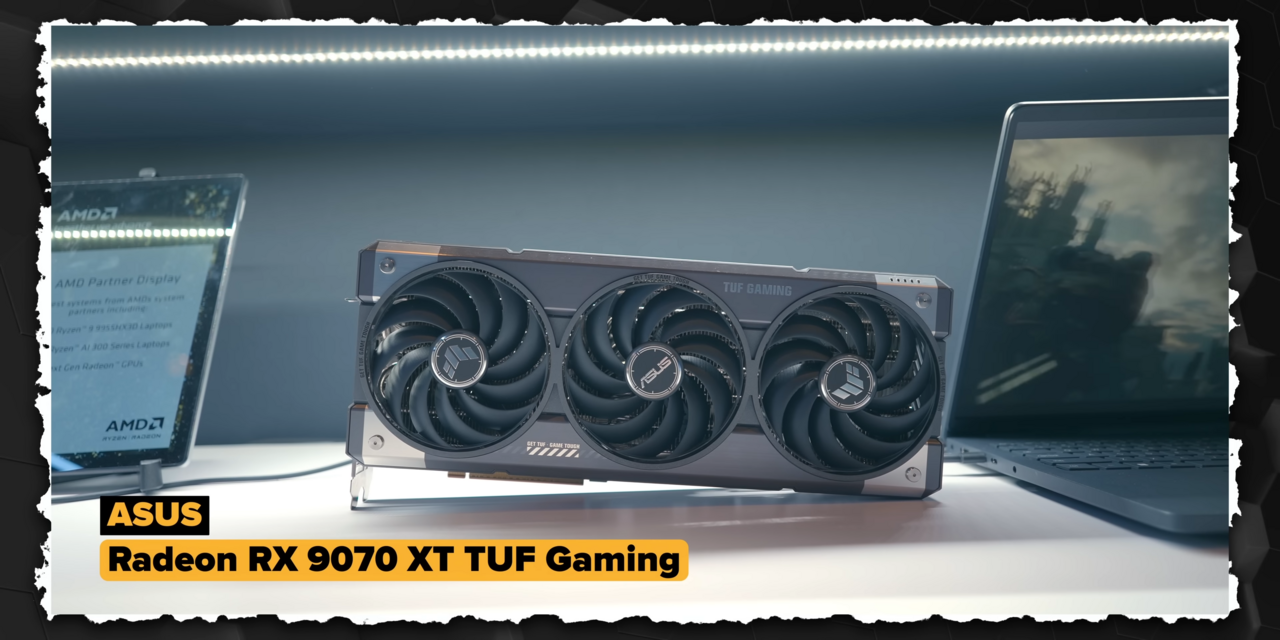
SetupNVIDIA and AMD both want your $549 for a 1440p card, and for once the fight is genuinely close. Here is how the RTX 5070 and RX 9070 actually compare in games, features, and long-term value.
 Setup
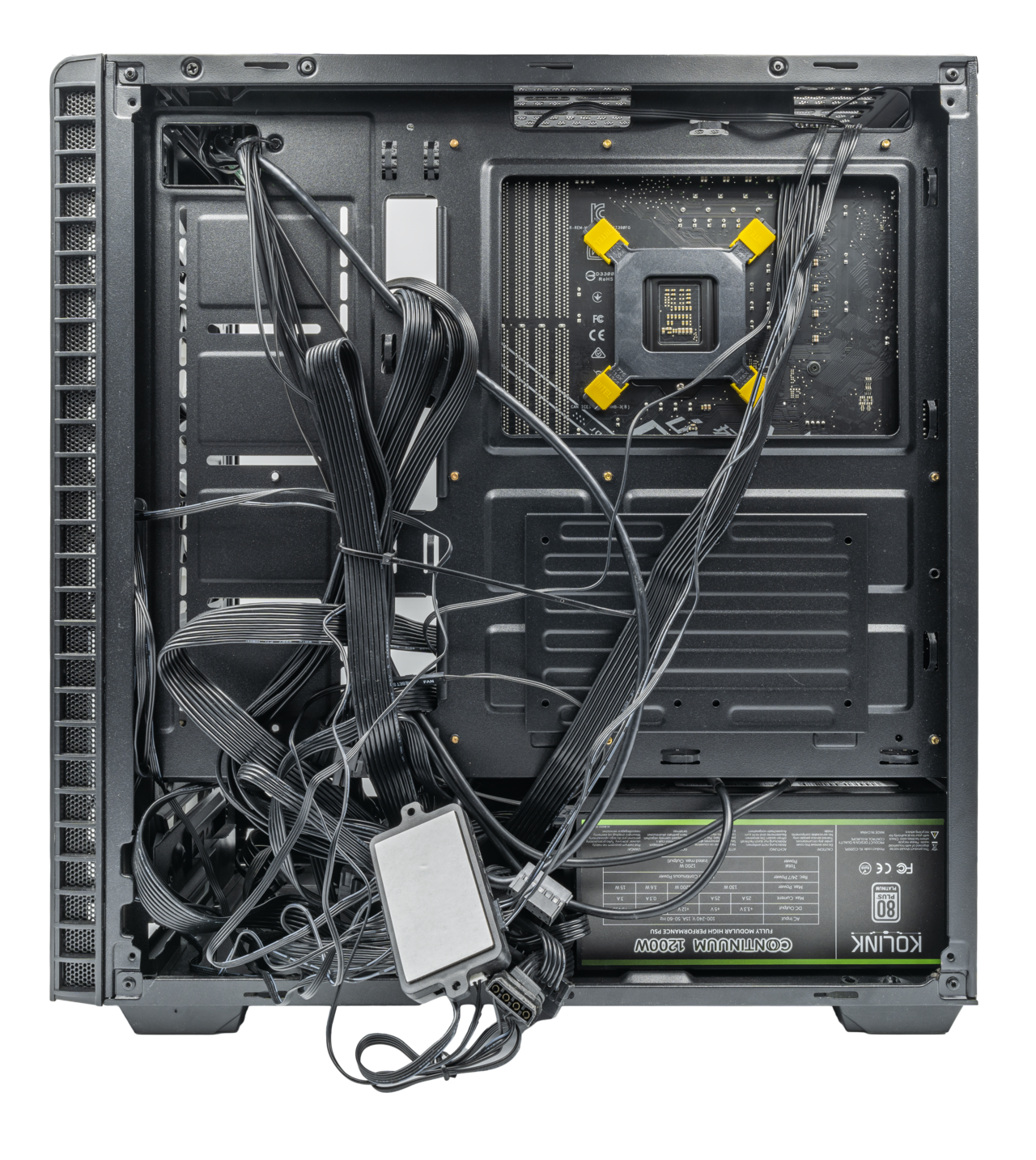
SetupA grand does not buy a monster rig, but in 2026 it buys a genuinely good one. Here are the prebuilts worth your money, the specs that actually matter, and the traps that turn a bargain into a dead end.